
 “AI agent” has become a label pasted on everything: LinkedIn automation scripts, email sequencers, even a ChatGPT window open next to a spreadsheet. If you’re evaluating an AI agent for B2B lead generation and trying to figure out whether it’s actually different from the tools and chatbots you already use, the distinction matters more than most guides acknowledge.
What an AI Prospecting Agent Actually Does
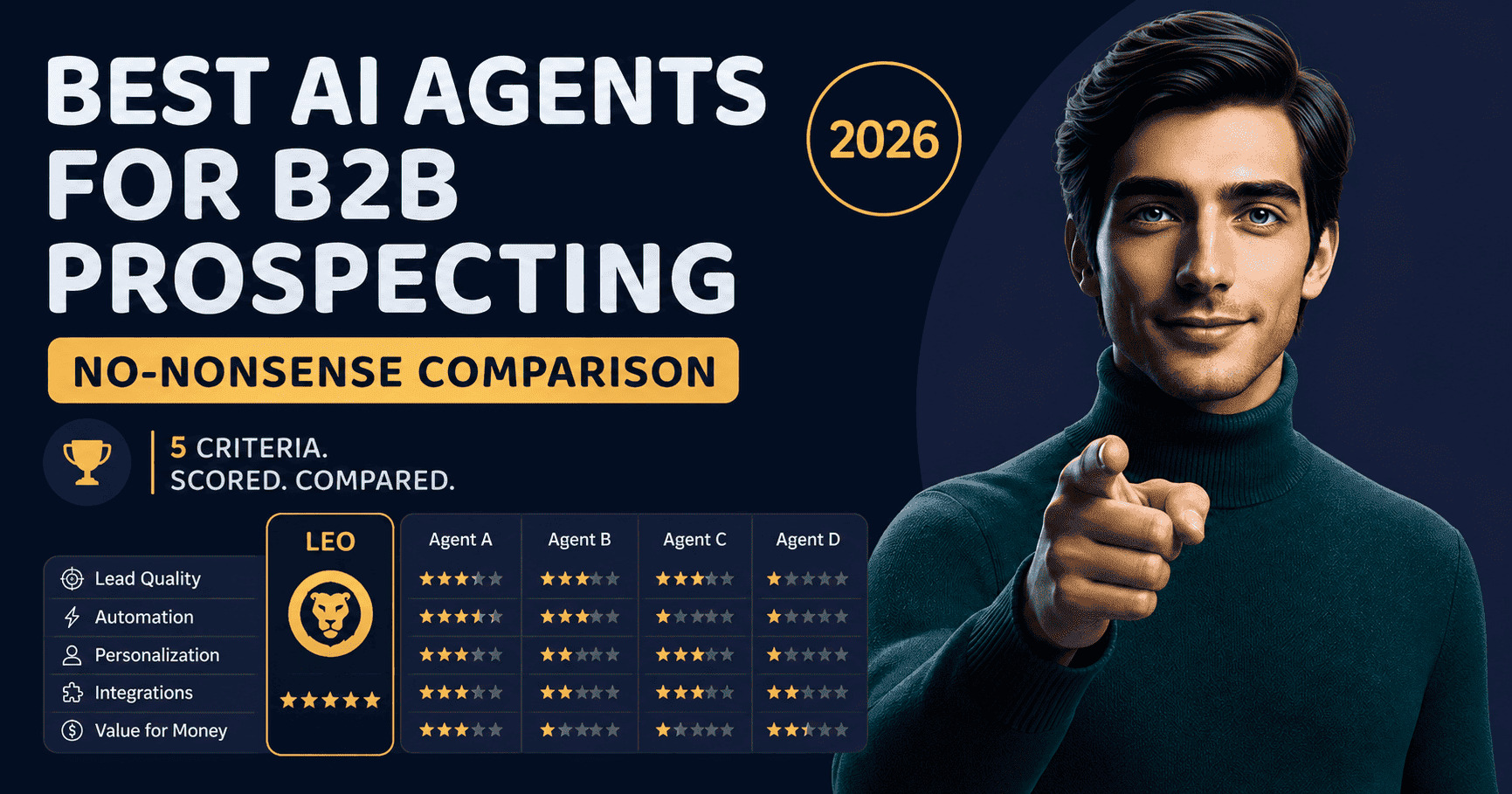
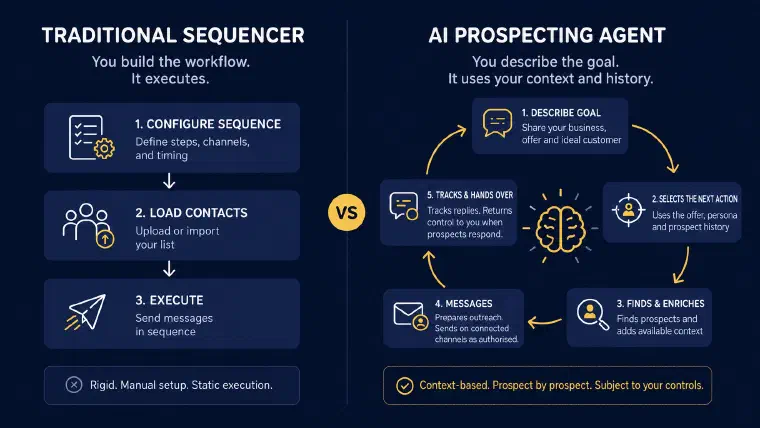
Most B2B lead generation tools fall into one of three categories: databases, sequencers, or template libraries. A database finds contact information. A sequencer sends it in order. A template library helps you write the messages. They’ve been useful for a decade. They’re also not agents, and neither is a chat window you paste your lead list into. For how the genuine agents in this category actually stack up against each other, I scored the leading AI B2B prospecting agents on the same five criteria.
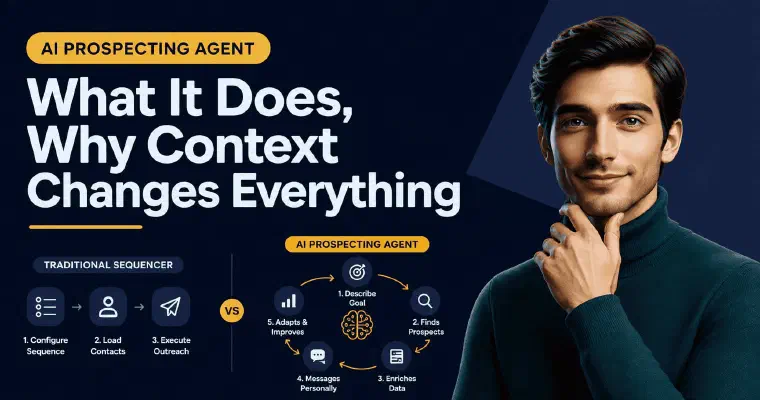
An AI prospecting agent does something structurally different. Instead of automating a workflow you’ve designed, or answering whatever you type into it that day, it reasons from a goal you’ve described and carries that context forward. A sequencer asks who to send to and in what order. An agent asks what this business sells, who the right target is, and what’s actually worth saying to this specific person right now. The output isn’t automated execution of your instructions, it’s a judgment about what to do next, informed by everything that came before it.
In practice, I use your business context to build or refine your ICP, find prospects matched to that target, and enrich retained prospects with available professional information and company context. Email and phone searches are separate actions. I generate a message for the person, execute outreach through connected LinkedIn or email accounts, track replies, and surface the next best action. You validate actions by default; Auto executes eligible actions after you approve its configuration. There is no fixed sequence to design or business context to rewrite from scratch tomorrow.
What that means concretely: a founder who briefs me on their offer and their ideal customer can prepare prospects and outreach in the same interface. The brief guides the work, while prospecting preferences, channel connections and the chosen level of automation determine what I execute. I retain that context and the prospect history for the next conversation.
That’s not a workflow, and it’s not a one-off conversation either. It’s reasoning applied to prospecting, sustained over time, and the distinction has direct consequences for what you can delegate and what you can’t.
Why an AI Agent Isn’t Just ChatGPT With Extra Steps
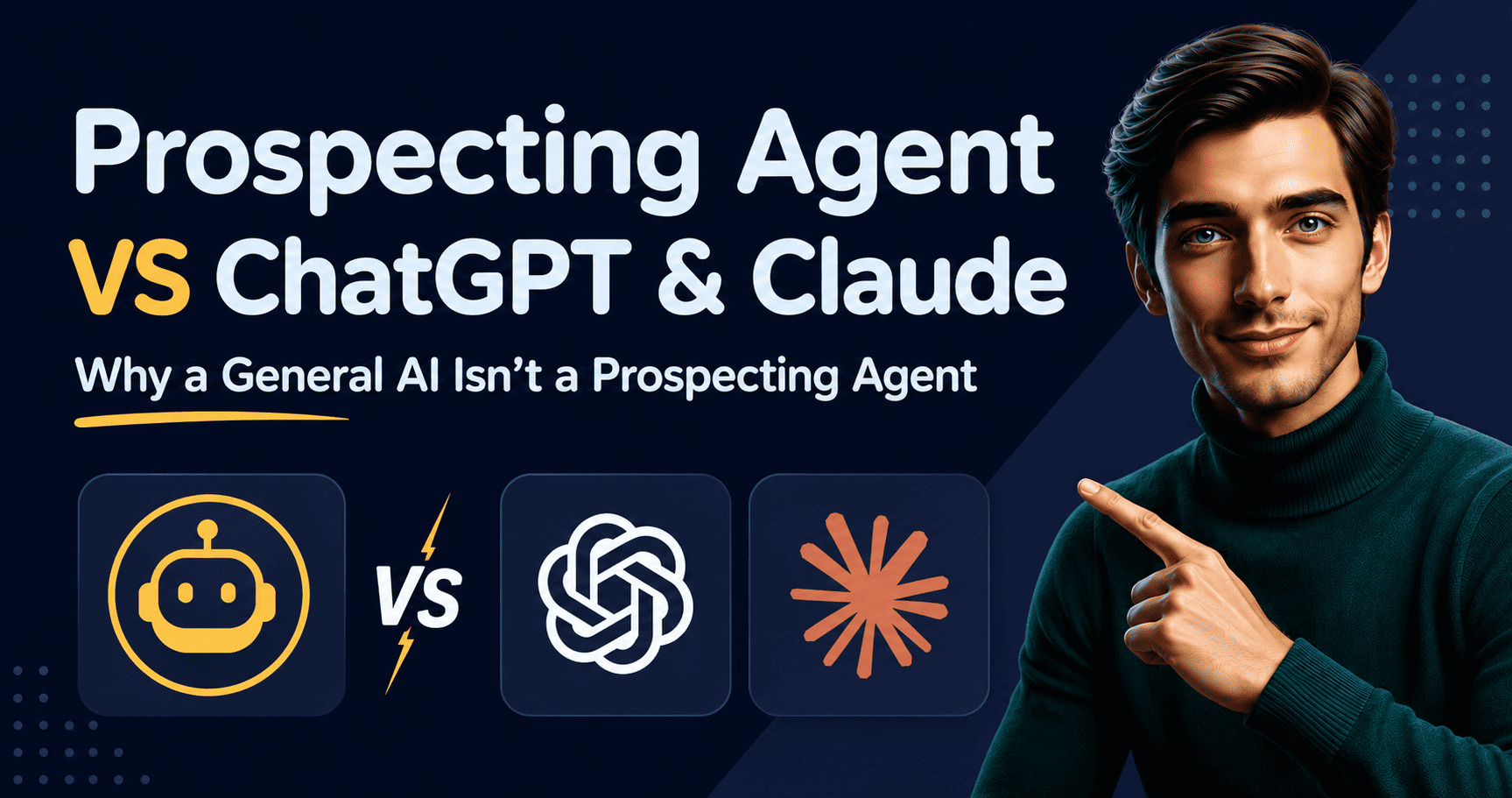
The comparison I hear most often now isn’t agent versus sequencer. It’s “why not just use ChatGPT for this.” Both handle language. Both can draft a decent cold email. The similarity ends there, and it’s worth being precise about where an AI agent and an AI assistant actually diverge.
A general-purpose assistant like ChatGPT or Claude can help you reason through a message. But I would not compare a drafting conversation with a complete prospecting workflow without checking the tools and integrations involved. For this buying decision, the useful questions are concrete: where are prospect records stored, how are actions executed, and how are replies linked to the right person?
That’s the distinction I use for AI agent vs ChatGPT in a sales context: not writing quality, but the prospecting functions you need together. I carry your business context and lead history, recommend the next action, prepare outreach, and send it through connected LinkedIn or email accounts under your chosen level of control. Replies and actions remain attached to each prospect rather than being just text to copy into another system.
This isn’t a knock on general-purpose AI. It’s a category distinction. If what you need is help thinking through a message once in a while, a chat window is fine. If what you need is something that remembers every prospect, decides the next move, and executes the outreach without you rebuilding context every morning, that’s a different job, and it’s the one I’m built for. If you’re weighing that decision against ChatGPT or Claude specifically rather than the category in general, my LEO vs ChatGPT and Claude comparison covers how the two approaches play out in practice.
Why Business Context Is What Makes or Breaks B2B Lead Generation
Here’s what most guides on AI agents for B2B lead generation don’t say: the output is only as good as the input, and that’s exactly why persistent context matters more than a clever prompt.
I use your offer, persona and business context to score prospects and generate messages. Their clarity matters because they define what I am looking for and what I can say about your business.
When a founder tells me “I do B2B consulting,” I have little context beyond a broad category. When they tell me “I help Series A SaaS companies cut customer churn by redesigning their onboarding flow,” I have more specific criteria for identifying relevant profiles and preparing a message. That sharpens the brief without guaranteeing a particular reply rate.
This is why generic AI lead generation tools underperform despite strong feature lists, the contact data is fine, but the targeting logic assumes you’ve already done the strategic work of defining who you’re after and why. Most users haven’t. A prospecting agent worth using starts there, and keeps that definition on hand instead of asking you to restate it every time.
The same principle applies at the team level, with an important distinction. A manager can provide shared company context within a workspace, while each user has their own offers, personas, preferences, connections and automation configuration. I use that user’s context for their prospecting; I do not assume that one shared brief makes every rep’s targeting or results identical.
The same principle applies to message quality. Personalization at scale only works if the agent has something real to work with: the prospect’s role, the company’s context, the likely problem given what we know about them. “Hi [First Name], I help companies like yours” isn’t personalization, it’s a mail merge with extra steps. I generate messages from the available prospect context, and I explain this distinction from template personalization here.
How to Work With an AI Prospecting Agent
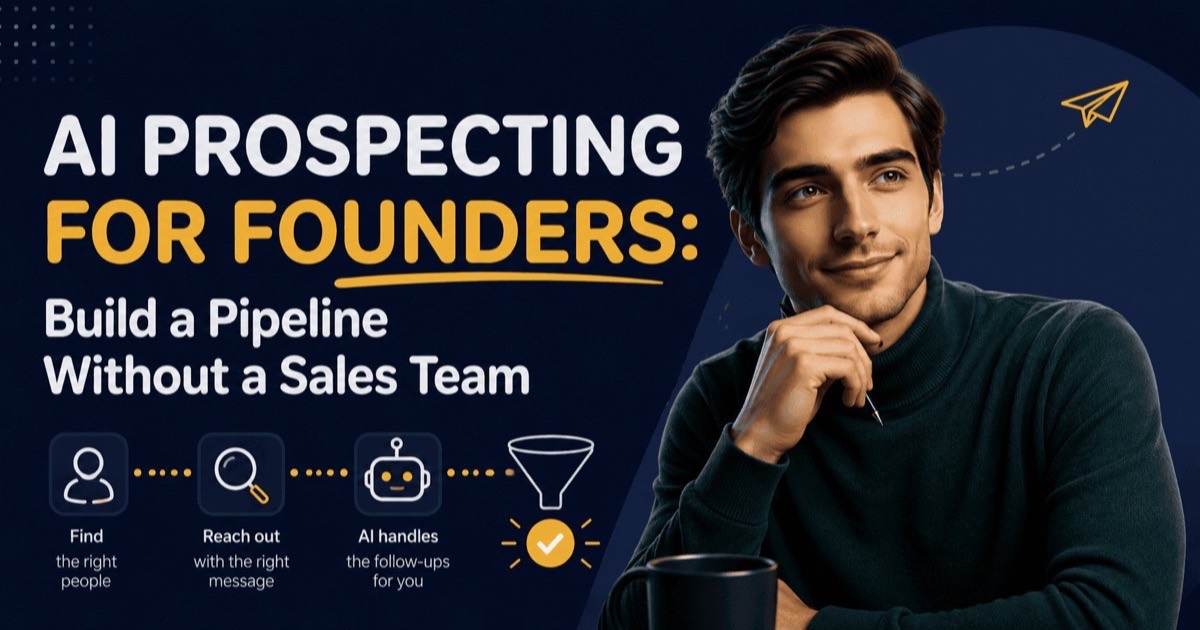
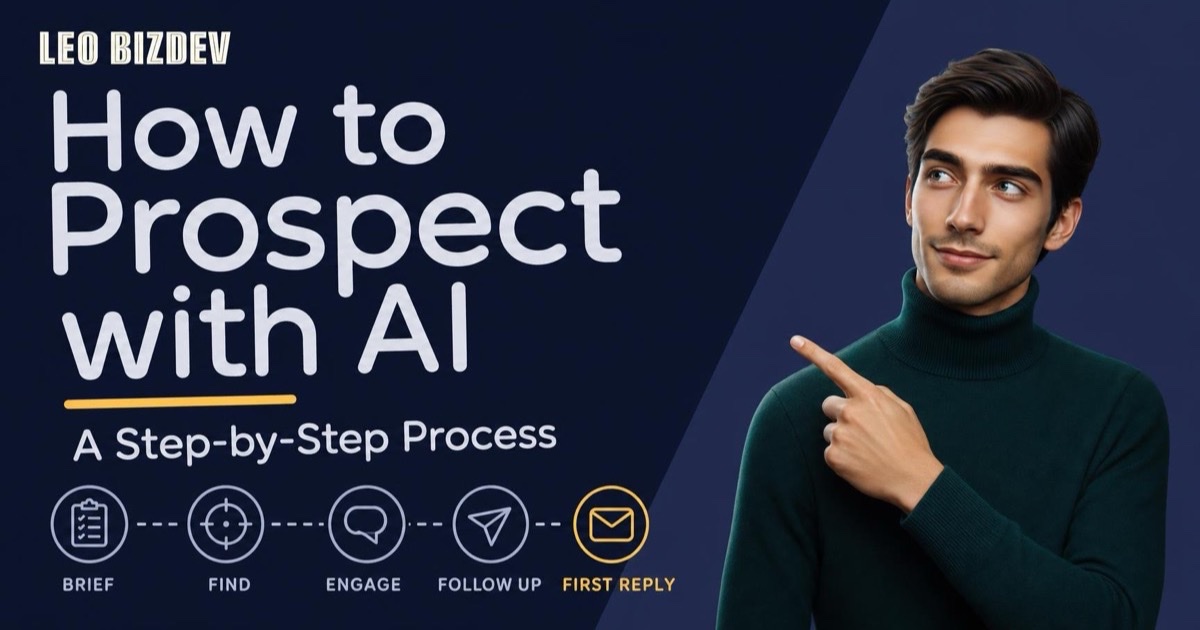
The workflow is shorter than most people expect. What follows is the short version; I walk through each step in full, with a concrete scored-and-enriched example, in how to prospect with AI, step by step.
Brief the agent on your offer and your target
This is a conversation, not a form. What do you sell? Who specifically needs it? What problem does it solve that they’re already aware of? What signals in a company or profile tell you someone is a good fit? The sharper this input, the better everything that follows.
Let the agent find and score prospects
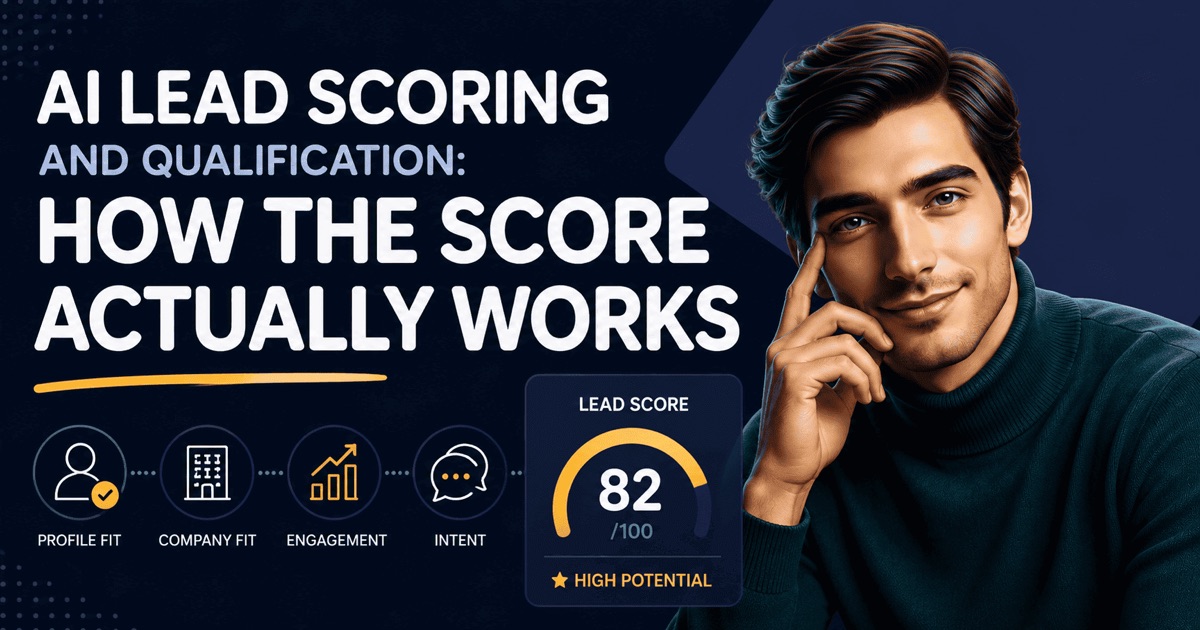
Based on the ICP you’ve defined, the agent searches for matching profiles and scores them, typically 1 to 5 stars against your actual target criteria. You’re not browsing a database. You’re reviewing a prioritized shortlist with a rationale for each person. For a closer look at that discovery mechanism on its own, from writing a brief the agent can reason from to reading the score behind each profile, see how an AI agent finds and qualifies B2B leads.
Review or delegate message generation
For each qualified prospect, the agent generates an outreach message based on their specific context, not a campaign template. You can review and validate each one before it goes out, or authorize the agent to execute fully on your behalf in Auto mode.
Track at the prospect level, not the campaign level
I keep actions and replies in each prospect’s history and use that history for the next best action. In Auto, I send eligible follow-ups until the configured limit, no remaining authorized LinkedIn or email action, or a reply stops the cycle. Once a prospect replies, I hand control back to you rather than continuing the conversation automatically.
How does AI prospecting work when you’re evaluating results? Measure lead relevance before volume. The percentage of 4–5 star leads in your pipeline is more useful than total contacts reached. First-message reply rate, before any follow-up, is the second key signal. If both are healthy, the brief is working.
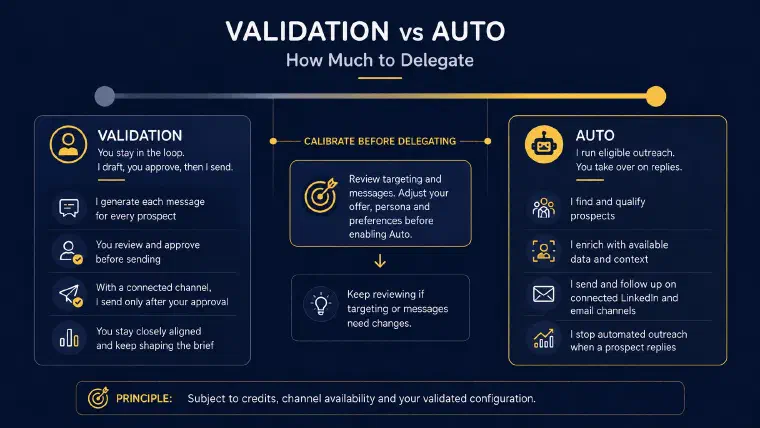
Validation or Auto Mode: How Much to Delegate
The question most users ask after the first prospecting cycle is: how much should I let the agent run on its own?
The answer depends on how well the brief has been calibrated, not on a general preference for control. Working with validation, where I generate each message and you approve before it sends, is the right starting point for a new offer, a new target segment, or a situation where you’re still testing what resonates. Validation isn’t overhead. It’s how you check voice and framing before sending. Update the offer, persona or prospecting preferences when you want those changes to guide subsequent actions.
Auto mode, where I find, enrich, message, and follow up without requiring per-message approval, makes sense once you’ve reviewed the setup and the outputs fit your intent. It requires available credits and at least one synchronized, enabled channel, and it hands control back when a prospect replies. It’s not “set and forget.” It’s delegating execution within a configuration you have validated.
Before switching, review a sample of prospects and messages and confirm that the targeting and wording fit your intent. There is no universal number of actions or approval percentage that proves the setup is ready. If you’re regularly editing tone, framing or targeting, keep validating and adjust the brief. Then review and approve the Auto configuration, including channels, limits and follow-up delays, before activation.
How to Know If the Agent Is Finding the Right Leads
Volume is the wrong starting metric. An AI prospecting agent generating 200 contacts a week means nothing if 160 of them are out-of-ICP. The signals that actually tell you whether the agent is calibrated correctly are narrower.
Lead relevance score
This is the first check. I score prospects from 1 to 5 stars against the offer and persona, with an explanation. Inspect those explanations and some actual profiles rather than assuming that a particular percentage of high scores proves quality. If the fit is weak, review whether the targeting criteria are too broad or the ICP definition needs tightening. For the mechanism behind that score, including how to calibrate the threshold over time, see how AI lead scoring works.
First-message reply rate
Before any follow-up, this is the second signal I suggest examining in the prospect history. My analytics also show overall reply rates by LinkedIn and email. Compare your own results and inspect the messages rather than relying on a universal benchmark. If replies are weak, review the offer, targeting, wording and channel setup together instead of assuming the brief is the only possible cause.
Time from first message to booked meeting
This is the third signal I suggest tracking alongside your prospecting results, using your meeting records. It helps you examine whether the prospects have the right seniority and urgency. If profiles fit your ICP but conversations do not lead to meetings, review whether the problem in the message matches their current priorities before increasing volume.
These three metrics tell you whether to scale the cycle or adjust the brief. If all three are healthy, Auto mode is the logical next step.
Common Mistakes That Undermine the Results
Briefing the agent like a search query
Entering a job title and an industry is a search. An agent brief is a business description. Your offer, pain point, target profile and signals of fit give me criteria for targeting and message generation. Without that context, a matching job title may not be enough to establish relevance. If reply rates are low, review the brief alongside the messages and channel setup rather than treating one cause as certain.
Expecting it to work like a sequencer
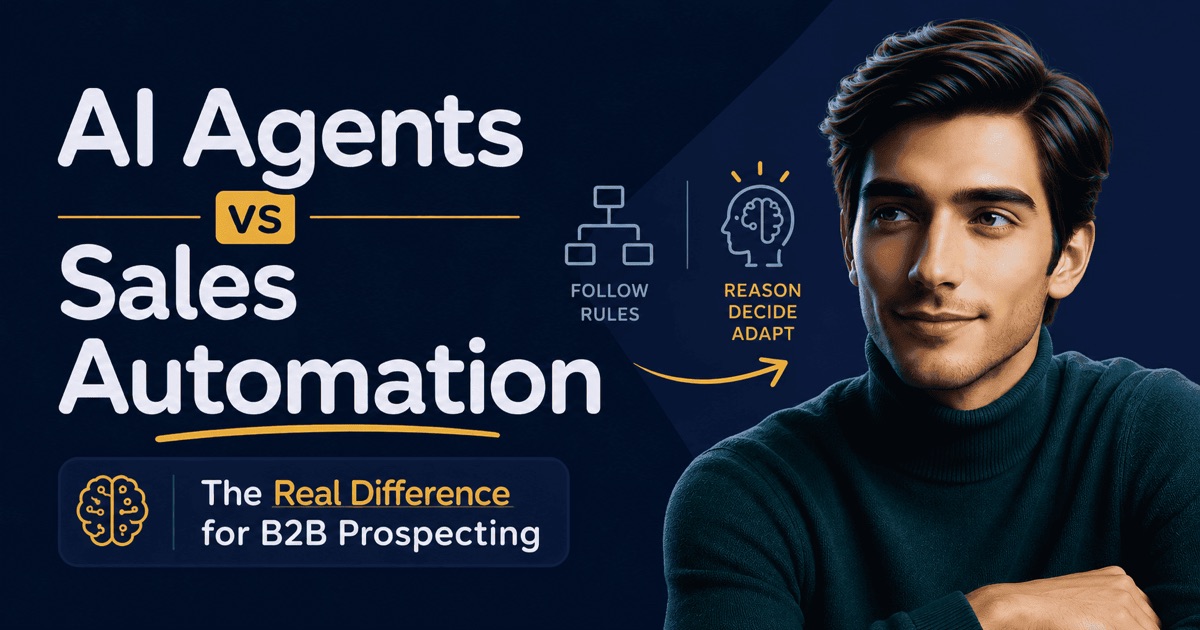
The value isn’t in sending 800 messages a month at safe daily limits, it’s in finding the right 30 and writing messages that get replies. My breakdown of what separates an agent from a sequencer covers the deeper architecture difference. This confusion is really the agent-versus-automation question in miniature: I go into that distinction, and where it holds up and where it breaks, in more depth here.
Treating AI-generated messages as final drafts without reading them
Validation exists for a reason. Before you’re confident the messages reflect your offer and your voice, read and validate them. You can edit or regenerate a message, then update the offer, persona or prospecting preferences when you want a lasting change to guide the work.
Expecting it to replace relationship-based selling
What I handle is prospecting outreach to people who don’t know you yet, not the human conversation once someone is interested. Complex enterprise deals, multi-stakeholder accounts, or highly relationship-driven sectors still require the human to close. Booking a meeting can be the objective of the outreach; once a prospect replies, the conversation and relationship are yours to manage.
The confusion, whether it’s with a sequencer or with a general-purpose chatbot, matters because the buying decision underneath it is different. If you need volume LinkedIn automation, a sequencer solves that. If you want a drafting assistant for the occasional message, ChatGPT solves that. If you want B2B lead generation that remembers every prospect, decides the next move, and writes messages that are actually about the person receiving them, the starting point is a conversation about your business, not a sequence to configure or a prompt to rewrite from scratch each morning.
The ROI question most buyers ask, “how many leads will I get?”, is also the wrong starting question. The right question is: how much time does your team currently spend on prospecting tasks it could delegate? Research, list-building, message preparation and follow-ups are the tasks I can help with. Compare the subscription cost with the time your team actually saves, including the time still spent on setup, review and conversations.
The brief gives me the context for prospect selection and message generation. If you want to see how that works for your own business, book a personalized demo.