
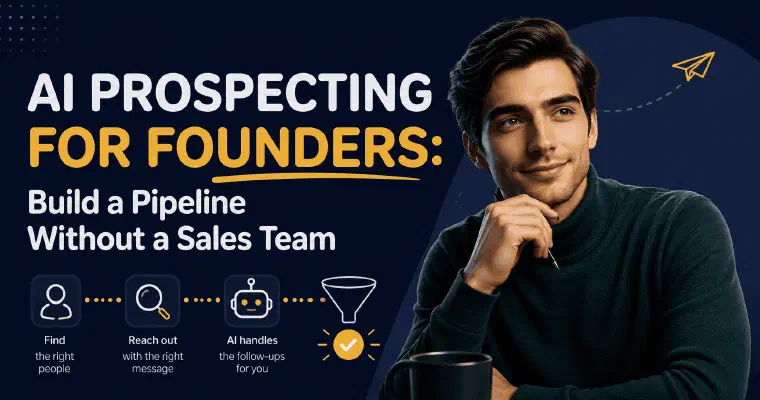
It is easy for a founder to try AI prospecting, set something up, and quietly stop. Not necessarily because the tool failed, but because it required attention that was already spoken for.
The problem is not motivation or methodology. It is that prospecting sits at the bottom of every priority stack for a founder. You will always have something more urgent today. I can automate parts of that work within the settings you approve, while you retain supervision and the sales conversations.
Why Founder-Led AI Prospecting Fails Without a Reliable System
When you run a services business alone or with a small team, your time is structured around delivery. Client work is visible, accountable, and urgent. Prospecting is invisible, speculative, and easy to defer. The result is a pipeline that empties quietly: you are busy, results are good, then a project ends and nothing is lined up.
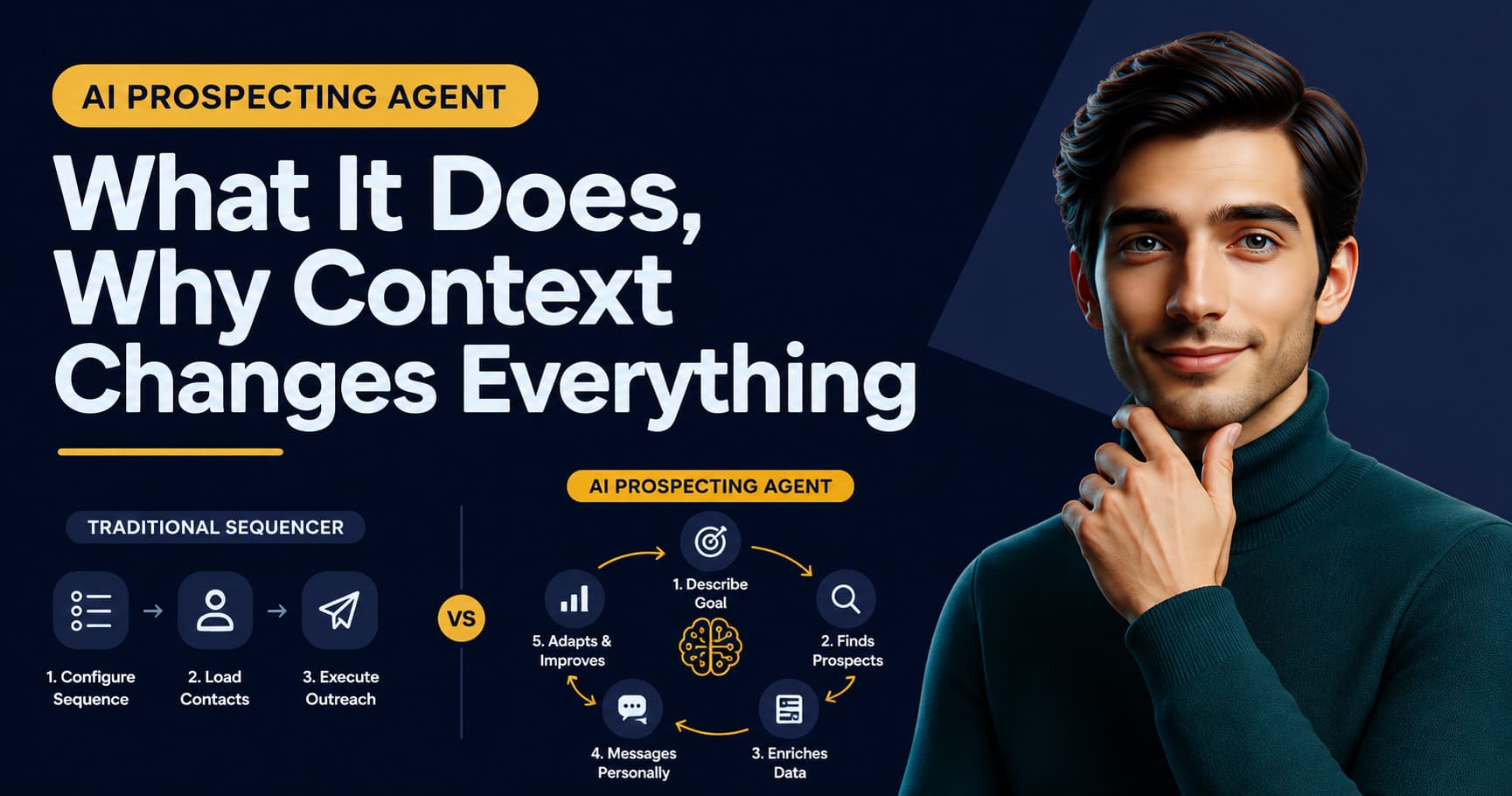
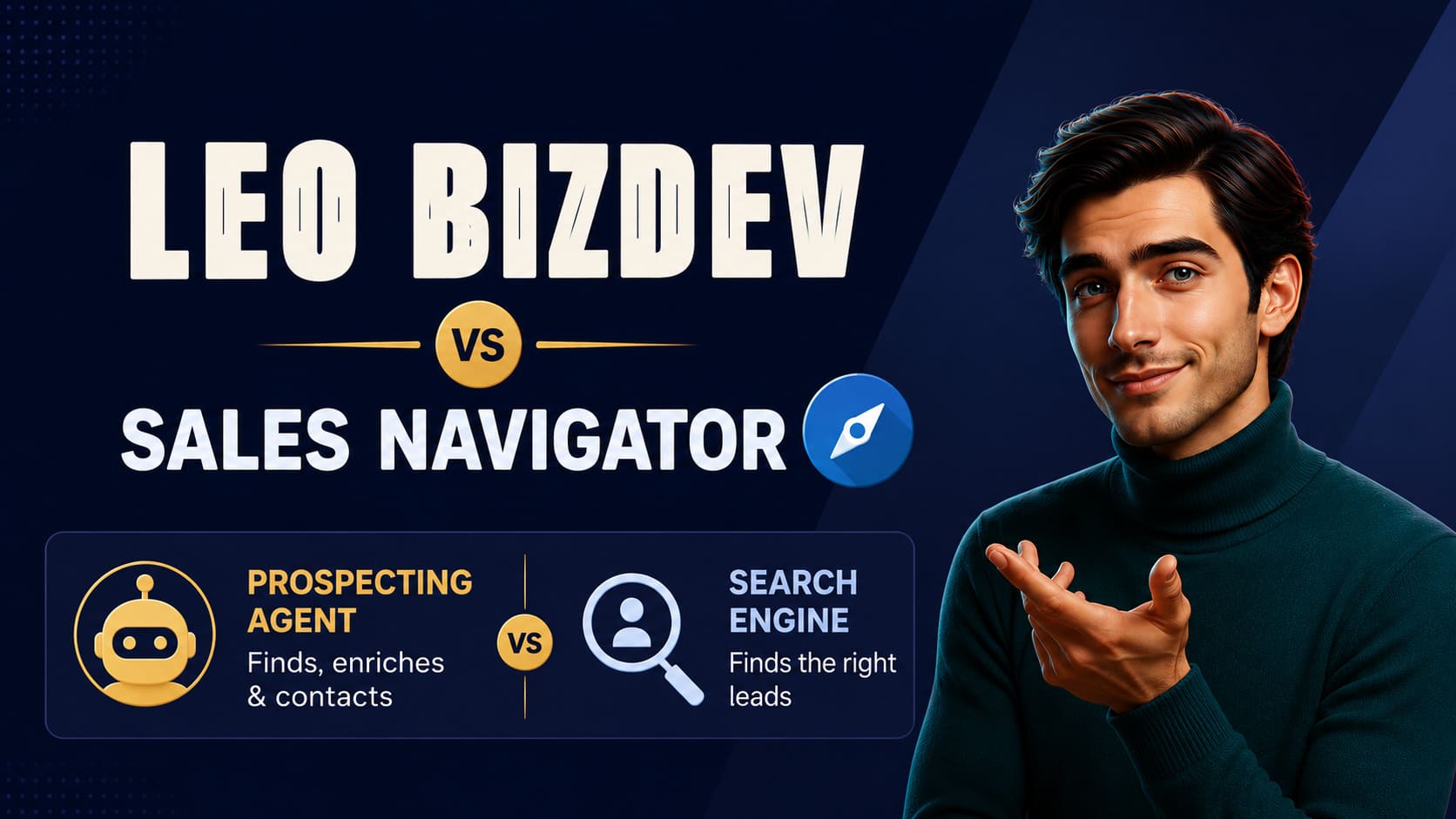
The tools on the market were not designed for this situation. Sales Navigator finds profiles but does not write messages. Sequencers send emails but require someone to build and maintain the campaigns. A CRM tracks pipeline but only if someone feeds it. Every tool saves time on one task while adding overhead everywhere else. As a founder, stacking these tools does not just mean stacking subscriptions. It means becoming the integration layer between them, moving data from one tool to the next by hand, and keeping each one configured and working while nothing about your business has changed since last week. Each of these tools was built assuming an operator behind it, someone whose job is to run that specific piece of the stack. When you are that operator and also the one delivering client work, the stack itself becomes the job you never signed up for. A recruiting firm founder trying to build an outbound practice ends up with five open tabs and no process they will actually sustain.
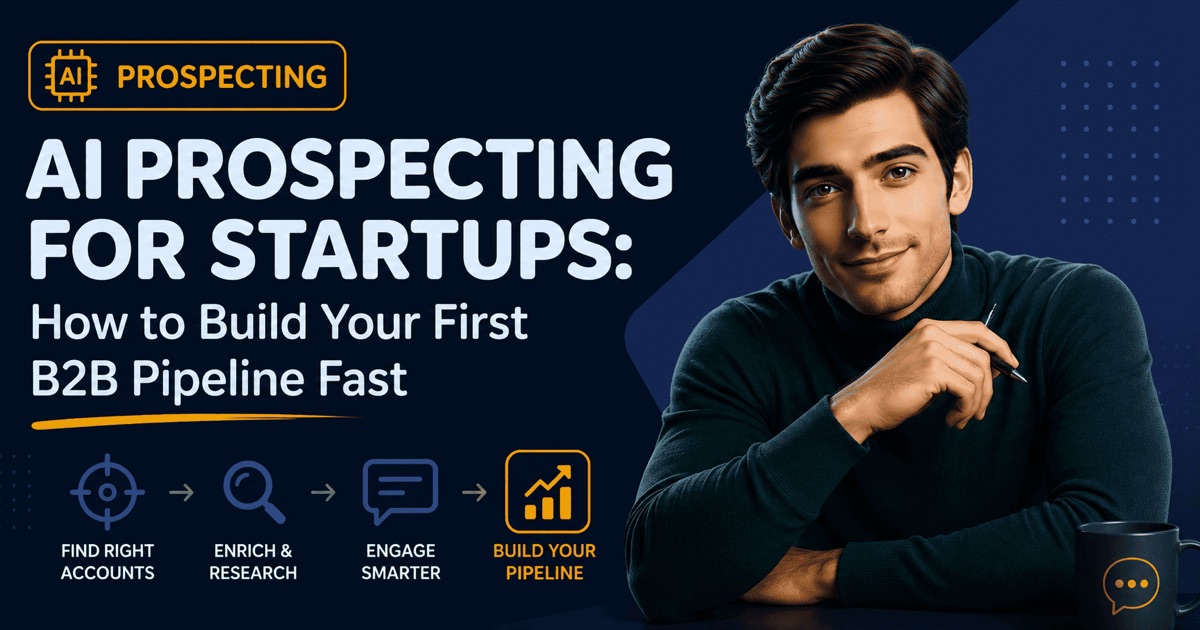
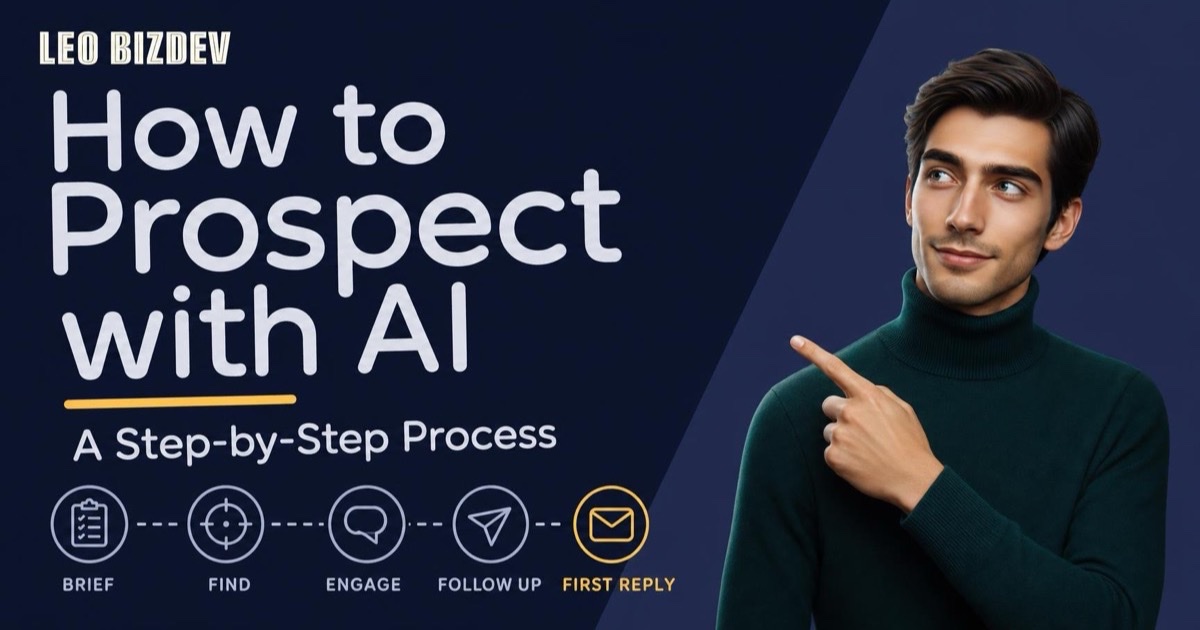
AI prospecting for founders changes the equation only when the agent carries the full chain, not a single step. Here is how I handle that chain for founders who prospect without a sales team; for the same cycle walked step by step outside the founder-specific framing, see how to prospect with AI. This assumes you already know who you are targeting; if you are still validating that before your first sales hire, my guide on AI prospecting for startups covers that earlier problem. If you run an agency and the real constraint is keeping the pipeline alive while you are deep in client delivery, the agency-specific version of this problem covers the workspace setup, the multi-offer structure, and how configured Auto outreach can help with that intermittency.
Step 1: Define Your Offer and Target Once
What I find and write draws on how clearly you define what you sell and who needs it, as well as the prospect information available. Take two illustrative briefs in the same industry: “I help B2B companies improve their processes” gives me little detail. “I help SaaS companies between Series A and Series C reduce time-to-onboarding for enterprise clients by redesigning their implementation workflows” gives me a more specific offer to match with roles such as VP Customer Success and Head of Onboarding. It provides clearer criteria, not a guarantee that every company signal can be found.
With a conversational AI agent, this step happens inside a guided onboarding conversation. You describe your business, your offer, and who you are trying to reach. I generate an offer definition and a persona for your review, and you adjust until it reflects your actual business rather than a generic version of it. That context is stored and reused for every prospect I find and every message I write. The quality of that initial brief is the ceiling on everything else.
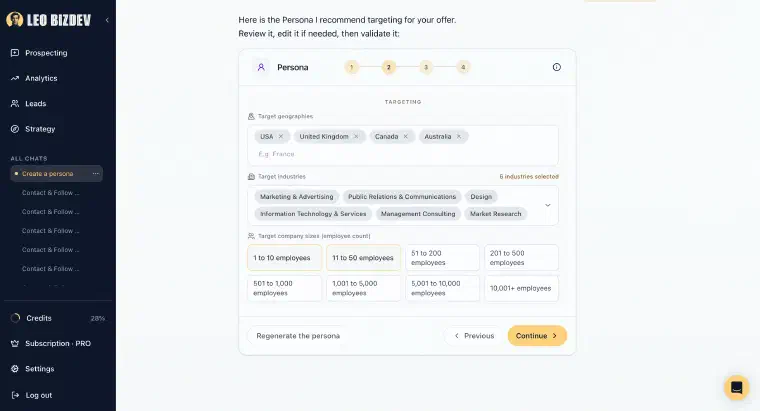
A precise persona includes five things: the target role, the company profile (size, industry, stage), the specific situation that makes this person a good fit right now, the problem they are experiencing, and the goal they are trying to achieve. Those details give me a basis for assessing fit and preparing a message. They do not guarantee a reply.
If you already have a handful of closed clients to draw patterns from, my guide on defining your ICP with AI goes deeper into building that brief from real account data rather than a guess.
Step 2: Let Me Find and Score Prospects
Once your persona is defined, I search for profiles that match, one by one. Each profile is evaluated against your persona criteria: role, company size, industry, situation, and any specific signals that indicate fit. I assign a score from one to five stars and explain why each prospect qualifies or does not.
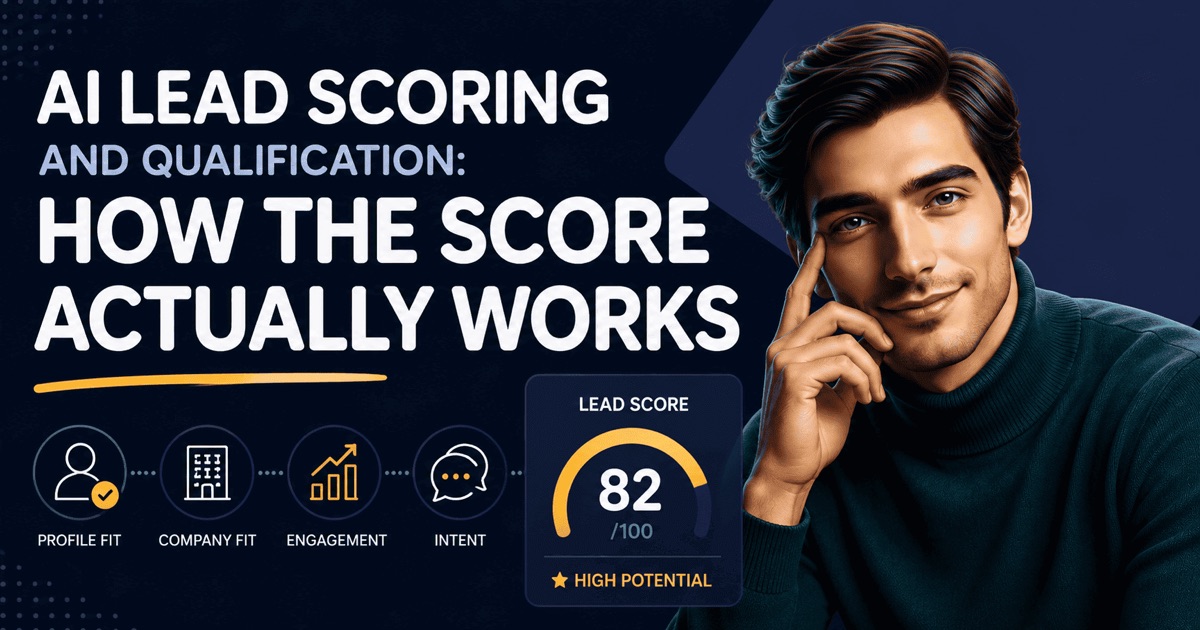
This is not a database export filtered by job title. The scoring reflects actual fit with your offer and your target. A cybersecurity consultant targeting CISOs at mid-market manufacturing companies will see completely different results than a recruiting firm founder targeting HR directors at scaling SaaS companies, even if both are technically searching for senior profiles in LinkedIn. The difference is in the reasoning, not just the filter. I break down exactly how that scoring mechanism works, and how to calibrate the threshold over time, in how AI lead scoring works.
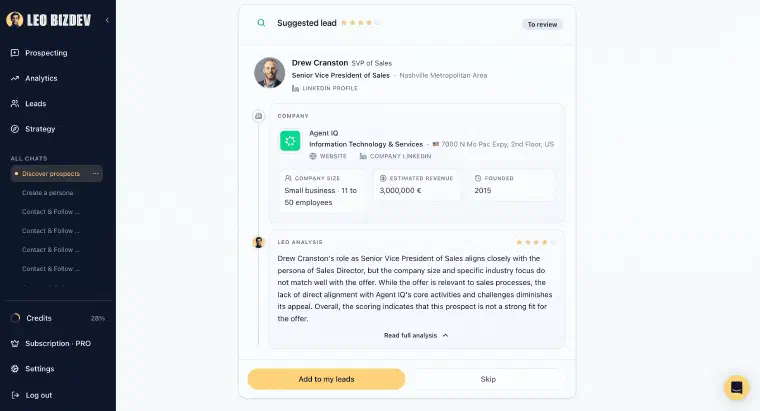
In this screenshot, the four-star score appears alongside reservations about company fit. Read the explanation as well as the score before validating a prospect; a rating alone is not proof of a good match.
For each validated prospect, I enrich the profile with available professional and company information. Email and phone searches are separate actions: one credit for a usable email address and five for a usable phone number, with no credit consumed for an unsuccessful search. Auto may search for an email, but never a phone number. You get a prospect record with the information I was able to obtain, rather than a guarantee of complete contact data.
In guided discovery, I retain prospects scoring at least 3/5 for your approval before they enter your pipeline. Lower-scoring profiles stay visible and can be rescued while the search continues. Switch on Semi-Auto and I add qualified prospects automatically based on your configured minimum score, subject to credits, without contacting anyone until you decide to. You define industries in your personas, then approve the included personas, minimum score, and maximum new prospects per day before activation.
Step 3: Generate Messages That Sound Like You
Personalized outreach at scale is the part founders find most frustrating. Writing a message that feels relevant to a specific person takes time. Copy-pasting a template with a merged first name does not work anymore, and most founders know it from the messages they receive and delete every day.
I generate messages from three inputs: your offer, your persona strategy, and the available context about this specific prospect and their company. I also use relevant action and conversation history. The message is not a template with a variable swapped in. For example, when a recent role change is available, I can use that context instead of treating every VP of Customer Success as if they faced the same situation.
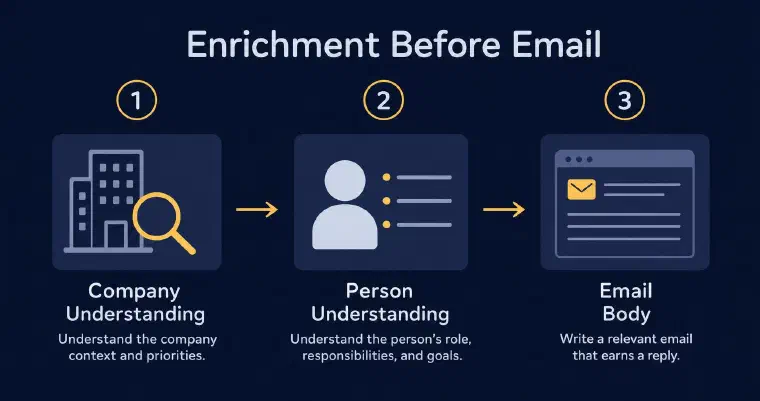
When working with validation, you can edit or regenerate a message before sending. If something does not sound like you, you change it. In Auto, eligible messages are generated and sent without that individual review. Adjusting your persona strategy is how you steer subsequent messages: preferences for length, CTAs, and tone apply to both first contacts and follow-ups.
The practical difference for a founder is having a contextual draft to review instead of starting from a blank page. How much time that saves depends on the prospect information and the changes you choose to make.
Step 4: Choose Your Level of Involvement
This is where AI prospecting for founders splits into three distinct approaches, and the right choice depends on how well you know your target and how much you want to stay in the loop.
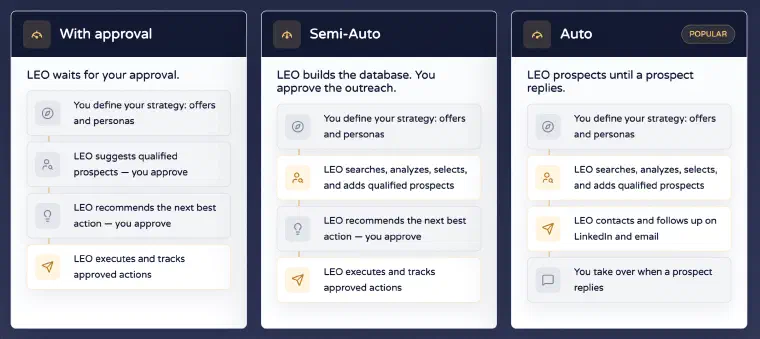
Working with validation is the default. I recommend and prepare actions, and you approve sending. With a synchronised channel, I can execute the approved action; without it, you send the generated text manually. This is a useful starting point when your offer is complex, your targets are high-value, or you want to review the output before automating eligible actions. There is no required review period before choosing another level.
Semi-Auto is the middle ground. I discover, score, and enrich prospects within your approved configuration and available credits, but I contact no one on my own. You decide who to approach and when, with me preparing the messages. For a founder whose offer is high-touch or whose reputation rides on every first contact, this automates discovery without handing over outreach. It also works without connecting a LinkedIn or email account, since nothing is being sent. For a separate discussion of prospecting activity, see this analysis of prospecting accounts.
Auto mode extends automation to eligible outreach. I find qualified prospects, send LinkedIn invitations without a note, send personalised LinkedIn messages and emails, and follow up within your configured limits. A reply other than an automated email reply ends that prospect’s Auto phase and returns control to you. Auto needs available credits and at least one synchronised, authorised LinkedIn or email channel. You still review activity, handle replies, and act on alerts such as exhausted credits or disconnected channels.
Both Semi-Auto and Auto are included with Pro and Max, subject to credits and required synchronisations. The configuration covers the personas included, the minimum qualification score, maximum new prospects per day, authorised channels, maximum messages per prospect, delays, and sending days and time windows. You review and approve it before activation and can adjust it later. The new-prospect maximum does not limit all daily actions or follow-ups on existing prospects.
For a founder who already knows their target well, Auto can carry out eligible actions between client calls without approval for each send. Discovery, enrichment, and reply processing can continue outside sending windows; prospect-visible actions, including LinkedIn invitations, wait for the authorised window. Automation pauses when credits run out, and Auto pauses if no authorised channel remains available. Reconnecting a channel requires you to reactivate Auto manually.
You can book a personalised demo to explore how I use your offer and target to find example prospects and prepare a first outreach action.
What Makes AI Prospecting Harder for Founders, and How to Overcome It
The hardest part of AI prospecting for founders is not the setup. It is the temptation to over-control the first few weeks.
Reviewing prospects and messages helps you check whether the offer, persona, and preferences reflect your business. But it can become a trap when it replaces one form of manual work with another. My recommendation is to choose the level of approval you need, then review activity and act on replies or alerts rather than assuming automation removes supervision.
Three patterns that derail founder-led AI prospecting:
Target too broad
Asking me to find “B2B companies between 10 and 500 employees” gives me little basis for judging why one company fits your offer better than another. Compare that with “operations or transformation directors at professional services firms between 50 and 300 employees that have recently expanded into a new market”: the second brief provides clearer criteria to assess against the information available. Narrow the industry, the company stage, and the situation your ideal client is in. Review the resulting profiles rather than assuming that a detailed brief guarantees relevance.
Pitch too vague
“I help companies grow their business with my expertise” is not an offer. It is a placeholder. To prepare a relevant message, I need to understand what you deliver, to whom, and why someone would need it. The brief informs the search criteria, scoring, message angle, and follow-up framing. Spend time reviewing that definition and update it when your business or target changes, rather than continually editing messages around an unclear offer.
Waiting for the right moment
There is no moment where prospecting will feel easy to start. I recommend setting it up while you still have room to review the strategy and respond to conversations, not waiting until the pipeline is empty. Finding, qualifying, and contacting prospects takes work; the timing of a reply or an opportunity is not guaranteed. Start with a clear brief and refine it as you review the results.
For the underlying mechanics of how AI agents handle B2B lead generation, my guide on AI agents for B2B lead generation explains the full chain from business context to executed outreach. If you are still comparing tools before committing, the breakdown in the best AI B2B prospecting agents in 2026 gives you a structured comparison of what each type of tool actually does.
None of this stays solo forever. The day you hire your first rep, this exact problem resurfaces at a different scale: how do you keep the offer, the persona, and the qualification bar consistent once someone else is prospecting on the company’s behalf. I cover that transition, from one person to a coordinated small team, in AI prospecting for small sales teams.
The aim is a system that reduces the operational work between sales conversations, not one that removes your responsibility for the pipeline. I can handle eligible prospecting actions; you define the direction, supervise the activity, and build the relationships.